
Casino App Update Guide PH: Patch Sideloaded APKs Without Losing Data
Because Android casino APKs install outside Google Play, applying a casino app update takes manual verification so you never disrupt active bets or accept a spoofed binary. Our Manila maintenance desk tested overlay patches, signature conflicts, and WebView cache resets.
TL;DR Briefing
A safe casino app update on Android starts by letting active rounds settle, pulling the 50–150 MB binary strictly from the in-app prompt or official HTTPS portal, respecting cryptographic signature warnings, and revoking Unknown Sources right after patching. Your Philippine Peso (PHP) balance, KYC approval, and limits live on encrypted servers—never in temporary phone cache.
Storefront apps update silently overnight, yet sideloaded Android gaming binaries require player action. When a mandatory casino app update notice appears right before a PBA game or weekend slot session, many Filipino players worry that overwriting the APK might erase their Philippine Peso (PHP) balance, reset KYC verification, or cause an account lockout.
Knowing how Android manages in-place upgrades removes that worry cleanly. Your PHP funds, approved PhilSys or UMID KYC record, bonus rollover records, and GCash and Maya payout settings live securely on encrypted operator servers—not in local app cache. Here is how to authenticate patches, decode signature conflict alerts, clear corrupted WebView caches, and re-lock Unknown Sources every time.
Why a Clean Casino App Update Never Erases Your PHP Balance or KYC
Local Android app storage holds only compiled UI code, cached slot sprites (speeding up 2–4 second tile loads), and your temporary login cookie. Even so, always allow active slot bonus spins, live dealer hands, or pending GCash transfers to settle completely before initiating a patch so you avoid mid-round client restarts.
- Server-side records: PHP wallet balance, KYC approval, bonus progress, and deposit limits.
- Local storage only: Interface libraries, sprite thumbnails, and temporary session tokens.
- iOS advantage: iPhone Safari WebClips pull server updates automatically without manual binaries.
In-App Prompts vs Official HTTPS Downloads for a Casino App Update
Routine catalog additions deploy server-side invisibly; full `.apk` updates appear only when TLS encryption libraries, biometric checkout hooks, or Android OS compatibility layers refresh. Note your installed version inside Settings > Apps, confirm the new download weighs 50–150 MB, and verify the browser HTTPS padlock before overwriting. Readers can confirm current rules directly through the PAGCOR official operator directory.
What 'Package Conflicts With an Existing Package' Actually Protects You From
Genuine overlay updates share the exact private signing certificate as your installed build, upgrading cleanly without erasing preferences. Never blindly uninstall your working app to force a conflicting file through—stop immediately and verify the download URL against the official HTTPS portal and pagcor.ph.
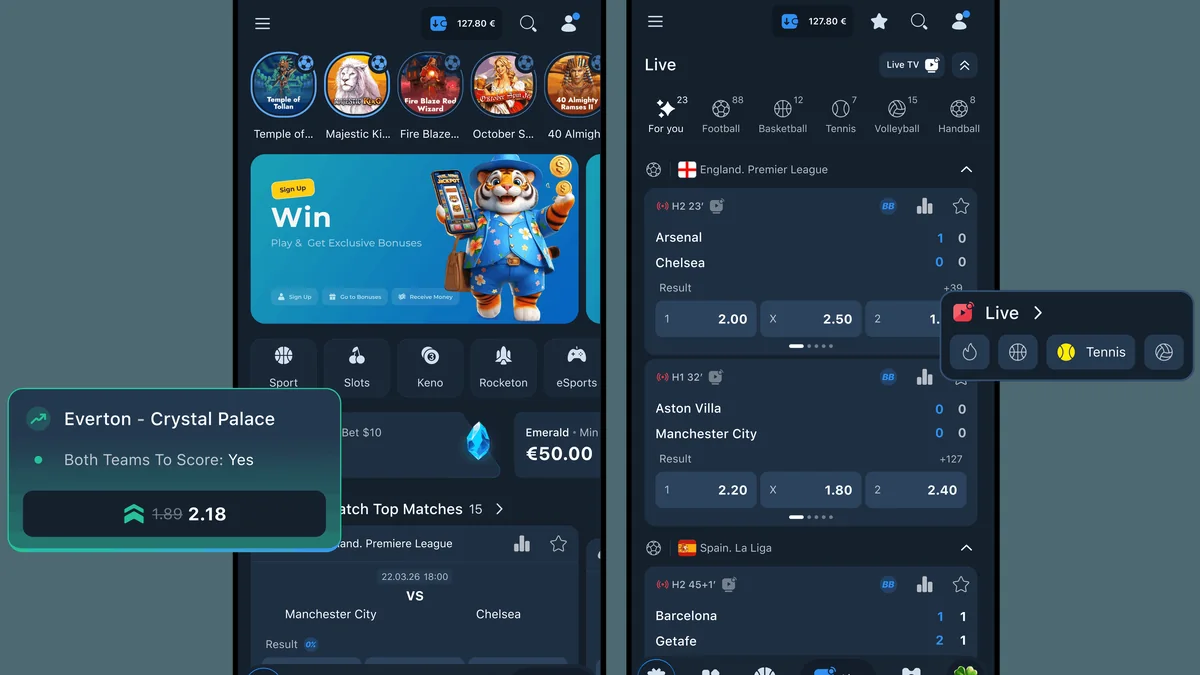
Fixing Post-Update Crashes: Clear Cache vs Clear Data & WebView Patches
Under Android Settings > Apps > Storage, Clear Cache wipes only broken temporary thumbnails and JavaScript fragments without logging you out, whereas Clear Data resets your local login completely. Right after clearing cache, update both Android System WebView and Google Chrome inside Google Play so embedded game canvases and 2–3 second GCash redirects render cleanly.
- Tap 'Clear Cache' first to fix post-update lobby freezes without losing logins.
- Avoid 'Clear Data' unless you have your exact credentials ready for clean re-login.
- Update Android System WebView and Chrome via Google Play after every major patch.
Mandatory Post-Update Hygiene: Re-Disabling Unknown Sources Every Time
Manual APK updates briefly re-open sideloading authorization. Whether on Android 8.0–15 (per-app Chrome Install Unknown Apps) or Android 7.0 (legacy Security > Unknown Sources), toggle installation rights straight back off the instant patching finishes, delete the raw 50–150 MB `.apk` from Downloads, and double-check App Info > Permissions for zero SMS or Accessibility entries.
How iOS Safari WebClips Handle Updates Automatically With Zero Downtime
Because iPhones cannot run `.apk` files and launch ArionPlay via an official Safari Home Screen WebClip, every launch automatically streams the newest server code with Face ID Keychain continuity. If old visuals linger after a major release, swipe-close the WebClip from iOS App Switcher or clear strictly that domain under Safari > Advanced > Website Data.
Verifying GCash, Maya & Bonus Wagering Trackers After Updating
After patching, verify your green KYC status badge (24–48h one-time verification), PHP balance, active bonus turnover bar (<30x welcome matches, 0x–5x weekly cashback; slots 100%, specialty 50–100%, sports 20–50%, live tables 10–20%), and ₱100-minimum GCash and Maya cashier redirects (₱100,000 standard monthly GCash ceiling; 1–24h approved GCash payouts; ₱200 bank and OTC backups like 7-Eleven Cliqq and Cebuana Lhuillier posting in 30–90 minutes). Readers can confirm current rules directly through the GCash official mobile security advisories.
Casino App Update Troubleshooting Matrix for Android & iOS in PH
Manila APK Maintenance Desk diagnostics across Android 7.0–15 and iOS 16–18.
| Post-Update Symptom | Root Technical Cause | Safe First Fix | PHP Balance Impact |
|---|---|---|---|
| 'Package conflicts with existing' | Developer signature mismatch | Stop & verify official HTTPS URL | Zero (server-stored) |
| 'Problem parsing the package' | Partial download on shaky 4G | Delete & redownload 50–150 MB | Zero |
| Blank white lobby or cashier | Stale cache / old WebView | Clear Cache + update WebView | Zero |
| GCash redirect resets to login | Battery saver reset post-patch | Restore Unrestricted Battery | Zero (check GCash) |
| Stale banners on iOS WebClip | Cached Safari service worker | Swipe-close or clear site data | Zero |
How to Complete a Safe Android Casino App Update Without Losing Data
Before you install any updated `.apk` binary, let active slot spins, live dealer rounds, and pending GCash or Maya deposits finish settling cleanly.
-
Confirm Rounds Settled & Check Installed Version
Verify settled PHP balance and note your current version inside Android Settings > Apps > ArionPlay.
-
Pull Verified 50–150 MB Patch Officially
Use the authenticated in-app prompt or Chrome HTTPS portal—verifying the SSL lock and 50–150 MB binary range.
-
Enable Temporary Chrome Permission & Patch
Grant Install Unknown Apps solely to Chrome (Android 8.0–15) or Security > Unknown Sources (Android 7.0) and tap Update.
-
Revoke Unknown Sources & Delete Raw APK
Tap Done after patching, immediately toggle Chrome's install permission off, and delete the finished `.apk` from Downloads.
-
Update System WebView & Audit Permissions
Update Android System WebView via Google Play, verify zero SMS or Accessibility entries in App Info, and verify your balance.
Access ArionPlay Philippines via Verified Referral Portal
Complete your 21+ registration, align your GCash or Maya account name with your government ID, and explore verified games with transparent PHP limits.
Responsible Gaming
Keeping your casino app patched strengthens encryption and session stability, while disciplined personal rules protect household budgets for every Filipino player aged 21 years and older. Philippine law strictly restricts gambling to adults 21+, and KYC identity checks safeguard verified accounts across every software version. Keep your Philippine Peso (PHP) entertainment budget separate from rent, utilities, school fees, and 15th or 30th payroll essentials.
Every Responsible Gaming boundary stays anchored on operator servers across app updates. Your daily or monthly PHP deposit ceiling continues uninterrupted: reductions apply right away, while PAGCOR rules enforce a mandatory 24-hour cooling-off delay before any limit increase activates. Whenever you need a break, self-exclusion completes within 24 hours and blocks access across your updated mobile app, mobile browsers, and desktop portals together.
Confidential support is always available through the National Council on Problem Gambling Philippines, Gamblers Anonymous Philippines, and the PAGCOR Responsible Gaming Helpline.
- PAGCOR Responsible Gaming Helpline: Regulatory guidance and exclusion enrollment via pagcor.ph.
- National Council on Problem Gambling Philippines: Free support and education for Filipino players and households.
- Gamblers Anonymous Philippines: Confidential peer meetings across Metro Manila and online via gamblersanonymous.org.
Key Takeaways for Filipino Players
Executing a safe casino app update on Android takes four clear steps: let active wagers settle, fetch 50–150 MB patches solely from the in-app prompt or verified HTTPS portal, respect signature conflict warnings, and toggle Unknown Sources right back off once finished. Combined with updated Android System WebView—or automatic iOS Safari WebClip refreshes—your PHP wallet and KYC record stay completely intact.
Once your latest build is confirmed and personal budget caps are active, inspect current mobile offers alongside clear wagering math before opting in. Invite your friends to register and play and get a chance to earn bonuses of up to ₱50,000.00. Adult Filipino players aged 21+ can also explore active events to Get a chance to win up to ₱100,000.00 plus unlock exclusive Mystery Chests responsibly.
Frequently Asked Questions
Will updating or reinstalling my casino APK erase my Philippine Peso balance?
No, your PHP balance, verified KYC status, bonus wagering history, and deposit ceilings live strictly on encrypted operator servers and return intact whenever you log back in.
Why did Android show 'App not installed as package conflicts with an existing package'?
That error warns that the new `.apk` was signed by a different developer key than your installed version—a crucial signal to stop and verify you downloaded from the authentic HTTPS portal.
Should I tap Clear Cache or Clear Data if an updated app lags?
Start strictly with Clear Cache under Storage settings to flush broken assets without logging out. Only use Clear Data if issues persist and you have your exact login details ready.
Must I disable Unknown Sources again after every manual Android update?
Yes, leaving Chrome's Install Unknown Apps switch (or Android 7.0 global Unknown Sources) enabled creates an ongoing security gap. Always turn it off immediately after every patch.
How do iPhone players receive ArionPlay updates?
iPhone players run the official Safari Home Screen WebClip rather than local APKs, so every launch pulls the newest release directly from encrypted servers with zero manual downloads.